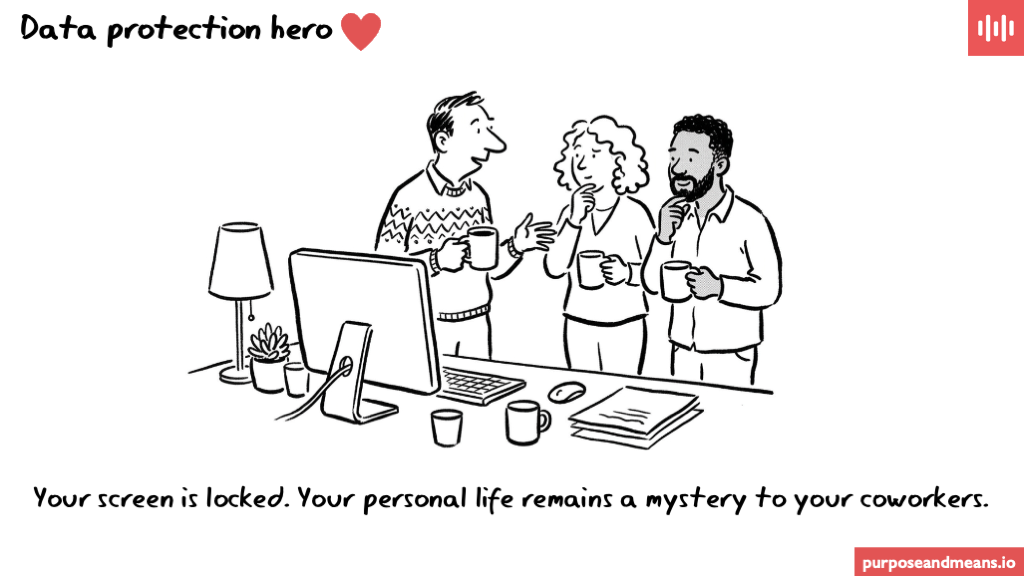
Data Protection Hero: I have successfully locked my computer when leaving my desk
Screen locking is one of the most basic data protection controls an organisation can implement. Under GDPR Article 32, organisations must apply “appropriate technical and organisational measures” to protect personal data. Locking your workstation when you step away from your desk is exactly that — a technical measure that prevents unauthorised access to personal data.
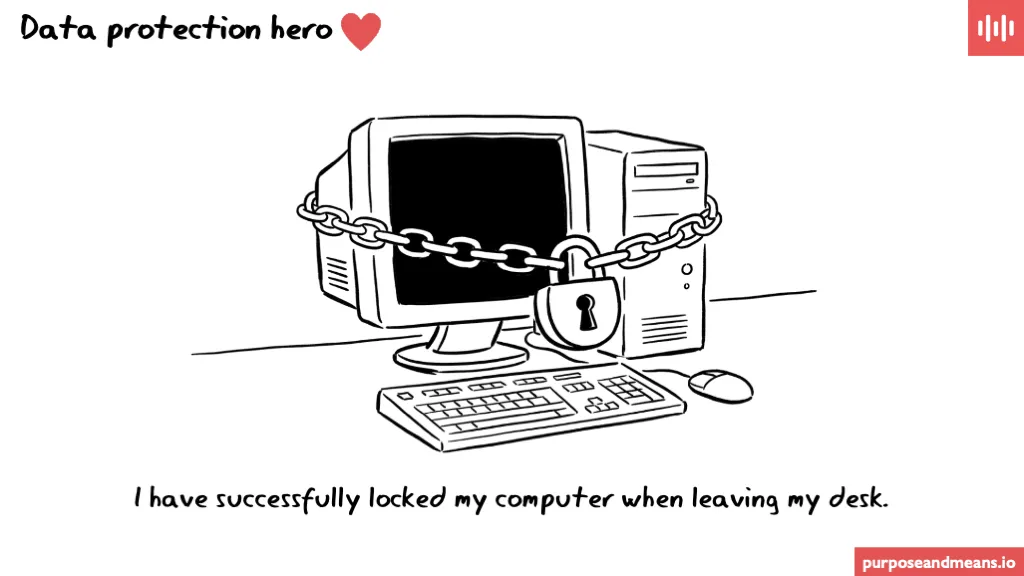
Locking your computer when you leave your desk is, technically speaking, a data protection control. An unlocked screen, left unattended, is a reasonably straightforward way to give your colleagues access to things they were never meant to see. You have not done that today. This is noted.
Why it matters more than you think #
An unlocked workstation is an open door. It does not matter that your colleagues are trustworthy, or that your office has a clean-desk policy on paper. If someone can walk past your desk and see an open HR system, a salary spreadsheet, a disciplinary email, or a medical absence record, that constitutes unauthorised access to personal data — regardless of whether they intended to look.
This is not a theoretical risk. Data protection authorities across Europe have cited inadequate access controls in enforcement actions. The Danish Data Protection Agency (Datatilsynet) has repeatedly emphasised that basic security measures, including screen locking and access management, are minimum expectations under the GDPR — not optional extras.
The practical fix #
Screen locking takes less than a second. On Windows, press Win+L. On Mac, press Ctrl+Cmd+Q. On Linux, Super+L works on most distributions.
For organisations serious about this control, the stronger approach is to enforce automatic screen locking through device management. A Group Policy (Windows), MDM profile (Mac/mobile), or login policy requiring screens to lock after 3–5 minutes of inactivity removes the reliance on individual behaviour entirely. That turns a cultural habit into a technical guarantee — which is exactly what Article 32 is asking for.
Frequently Asked Questions #
Is locking my screen a legal requirement under GDPR? GDPR Article 32 requires “appropriate technical and organisational measures” to ensure a level of security appropriate to the risk. Screen locking is widely regarded by supervisory authorities as a baseline technical measure. While the GDPR does not name specific controls, failing to implement basic access controls like screen locking would be difficult to defend in an enforcement context.
What risks does an unlocked computer actually create? An unlocked workstation can expose personal data to anyone passing by — colleagues, visitors, contractors, or cleaning staff. This includes open emails, HR records, customer databases, financial data, or health information. Even brief, unintentional exposure counts as unauthorised access under the GDPR’s definition in Article 4(12).
How do I enforce automatic screen locking across an organisation? Use Group Policy on Windows, MDM configuration profiles on Mac and mobile devices, or PAM settings on Linux to enforce automatic lock after 3–5 minutes of inactivity. This removes dependency on individual behaviour and provides auditable evidence that the control is in place — useful during supervisory authority inspections or internal audits.
#DataProtectionHero