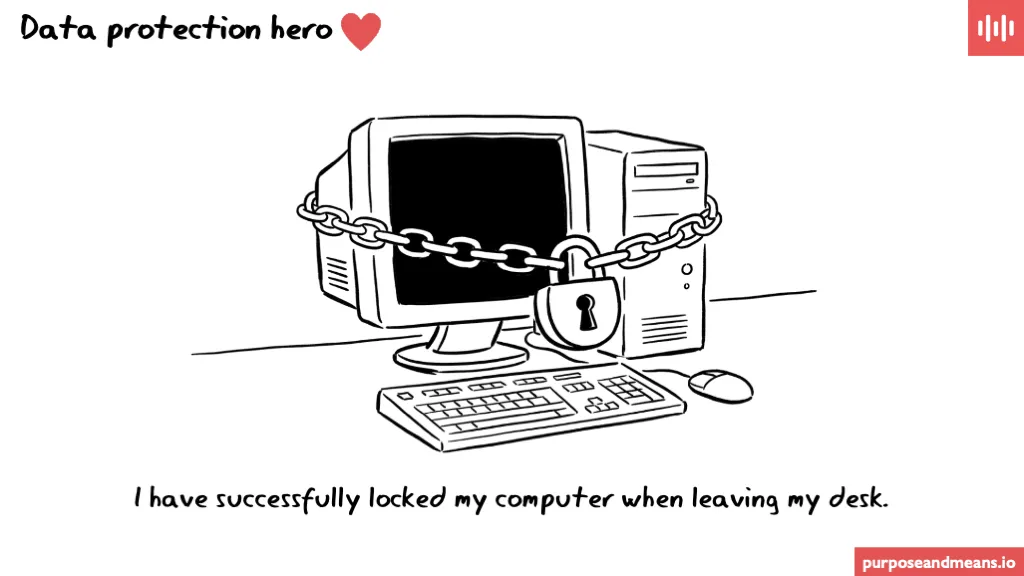
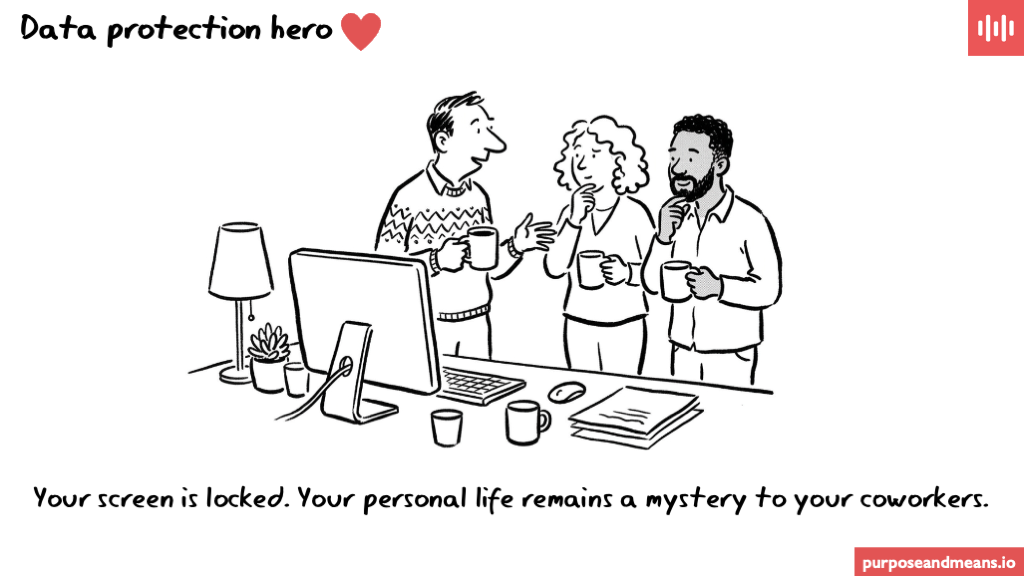
Data Protection Hero: Your screen is locked. Your personal life remains a mystery to your coworkers.
A locked screen is one of the most visible data protection controls an employee can apply. It costs nothing, takes less than a second, and prevents colleagues, visitors, and anyone else passing through the office from seeing information they were never meant to see. Under GDPR Article 32, companies must implement appropriate technical and organisational measures to protect personal data - and screen locking is exactly the kind of measure supervisory authorities expect to see in place as a minimum.
Why it matters more than you think #
The office is not a private space, and most workplace data incidents do not involve sophisticated attacks. They often involve someone walking past an unattended desk and seeing something they should not have seen - an open payroll spreadsheet, a disciplinary email, a medical absence note. The person whose information was exposed had no idea it happened. The person who saw it may not even have meant to look.
This kind of accidental exposure still constitutes unauthorised access to personal data under the GDPR. It does not matter that no one took a screenshot or sent anything on. The data was seen by someone without a legitimate reason to see it, and that is sufficient. Data protection authorities across Europe have been clear that physical and environmental security controls - including screen locking - are part of what Article 32 compliance looks like in practice.
If you want to understand more about screen locking as a technical control — including how to enforce it automatically across a company — the first post in this series covers that in detail.
The practical fix #
Lock your screen every time you step away from your desk, even briefly. On Windows, press Win+L. On Mac, press Ctrl+Cmd+Q. On Linux, Super+L works on most distributions. If you find yourself forgetting, set your device to lock automatically after two or three minutes of inactivity - most operating systems allow this in display or security settings.
For companies, the more reliable approach is to enforce automatic locking through device management policy. A Group Policy setting on Windows, an MDM profile on Mac, or equivalent controls on other systems removes the dependency on individual habits entirely. That turns a behavioural expectation into a technical guarantee - which is what Article 32 is actually asking for.
Frequently Asked Questions #
Does a locked screen count as a data protection control under GDPR? Yes. GDPR Article 32 requires appropriate technical and organisational measures to protect personal data, and screen locking is widely recognised by supervisory authorities as a baseline physical access control. Failing to implement it - particularly in environments where sensitive data is routinely processed - would be difficult to justify in an enforcement context.
What data is at risk on an unlocked screen? Any data visible on your screen when you leave your desk is potentially at risk - emails, HR systems, customer records, financial data, health information, or internal documents. Even data that appears briefly, or that a colleague glances at unintentionally, counts as unauthorised access if that person had no legitimate reason to see it.
Should companies enforce screen locking through policy rather than relying on employees? Yes, where possible. Relying on individual behaviour to maintain a security control introduces unnecessary risk. Enforcing automatic lock-after-inactivity through device management removes that dependency, provides auditable evidence that the control is in place, and means the company can demonstrate compliance rather than simply assert it.
#DataProtectionHero