25+ Data Protection Travel Tips
Originally published on LinkedIn, July 2019.
Travel — whether for work or pleasure — exposes your personal data to risks most people never think about. This list of 25+ practical tips covers everything from device security and WiFi hygiene to boarding passes, car hire systems, and hotel TVs. Many of these tips are also worth building into your organisation’s Data Protection Awareness programme.
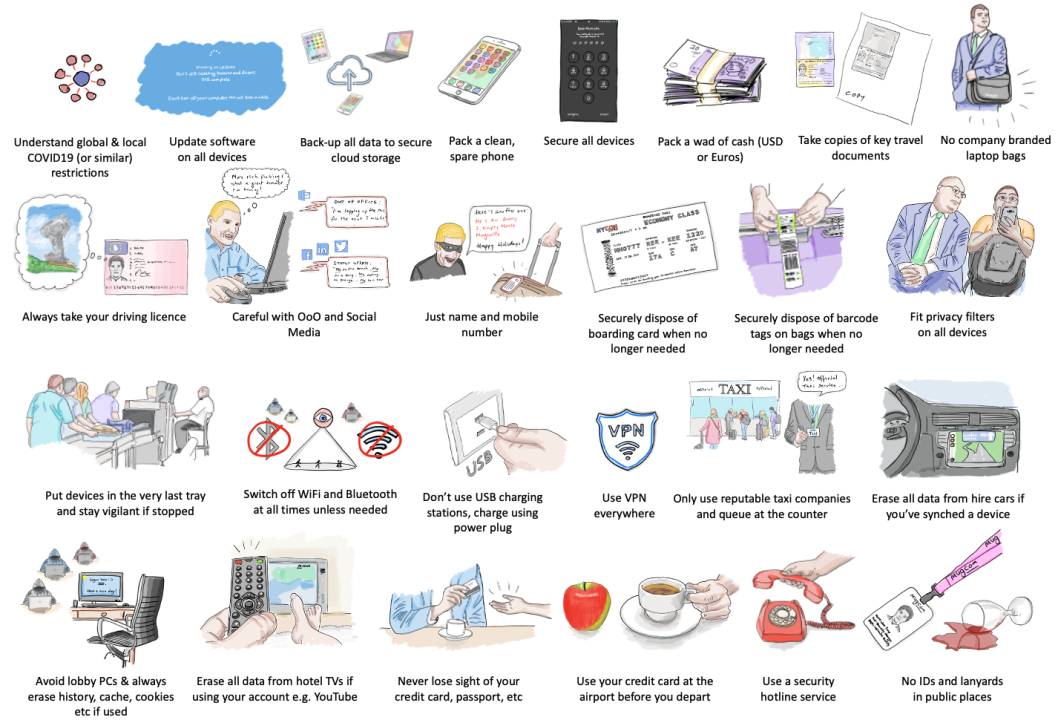
Note: this post was originally published in July 2019 and expanded in August 2019 with additional contributions from LinkedIn connections.
Before You Leave #
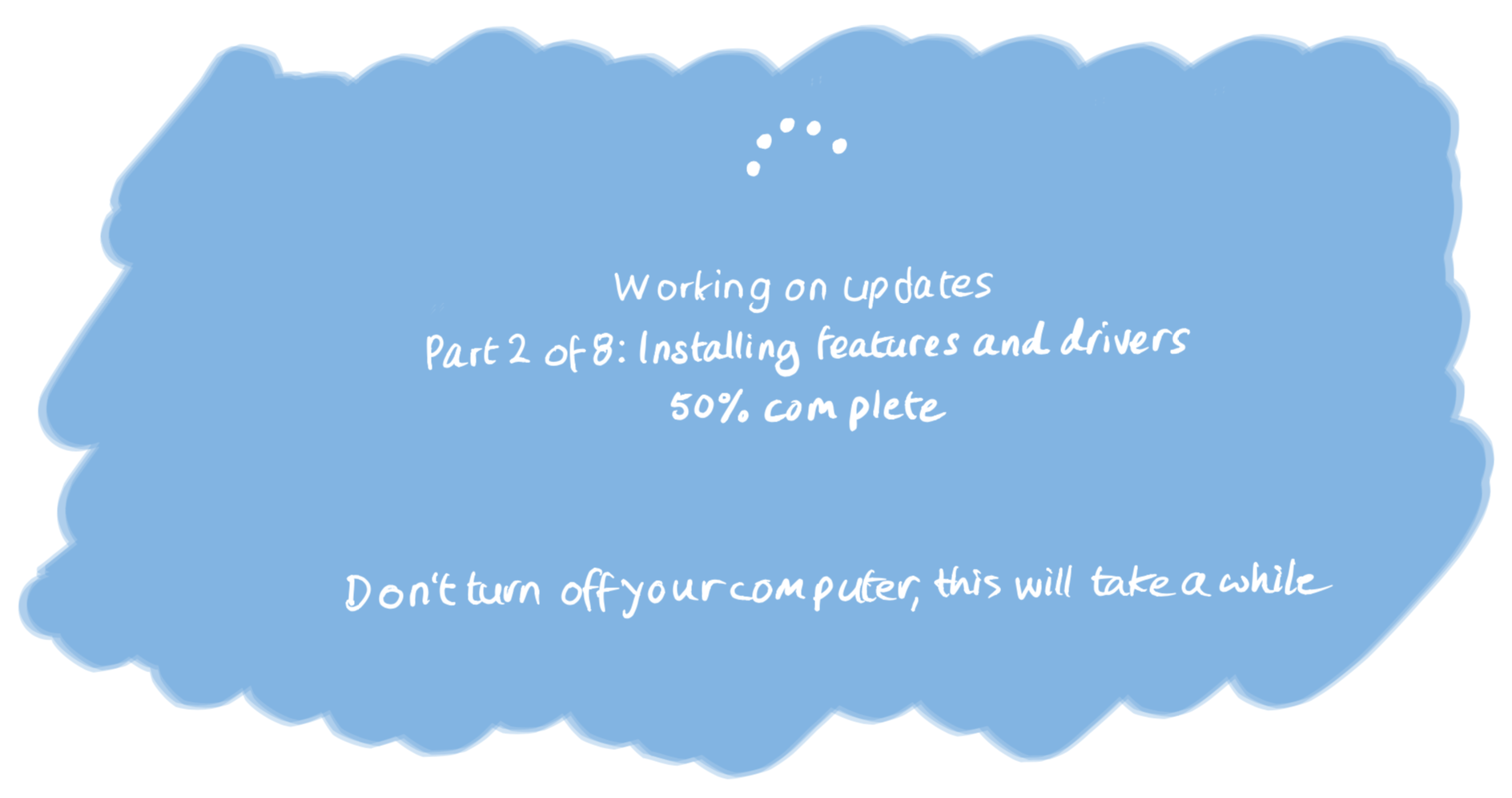
#1 Perform software updates before you leave #
System updates take a long time and require a fast connection — not always available at the airport or in a taxi. Check for updates on all devices before you leave home or the office.
#2 Back up all data to secure cloud storage #
Back up important data to secure cloud storage from all devices before you leave. You may lose a device or have one wiped during your trip.
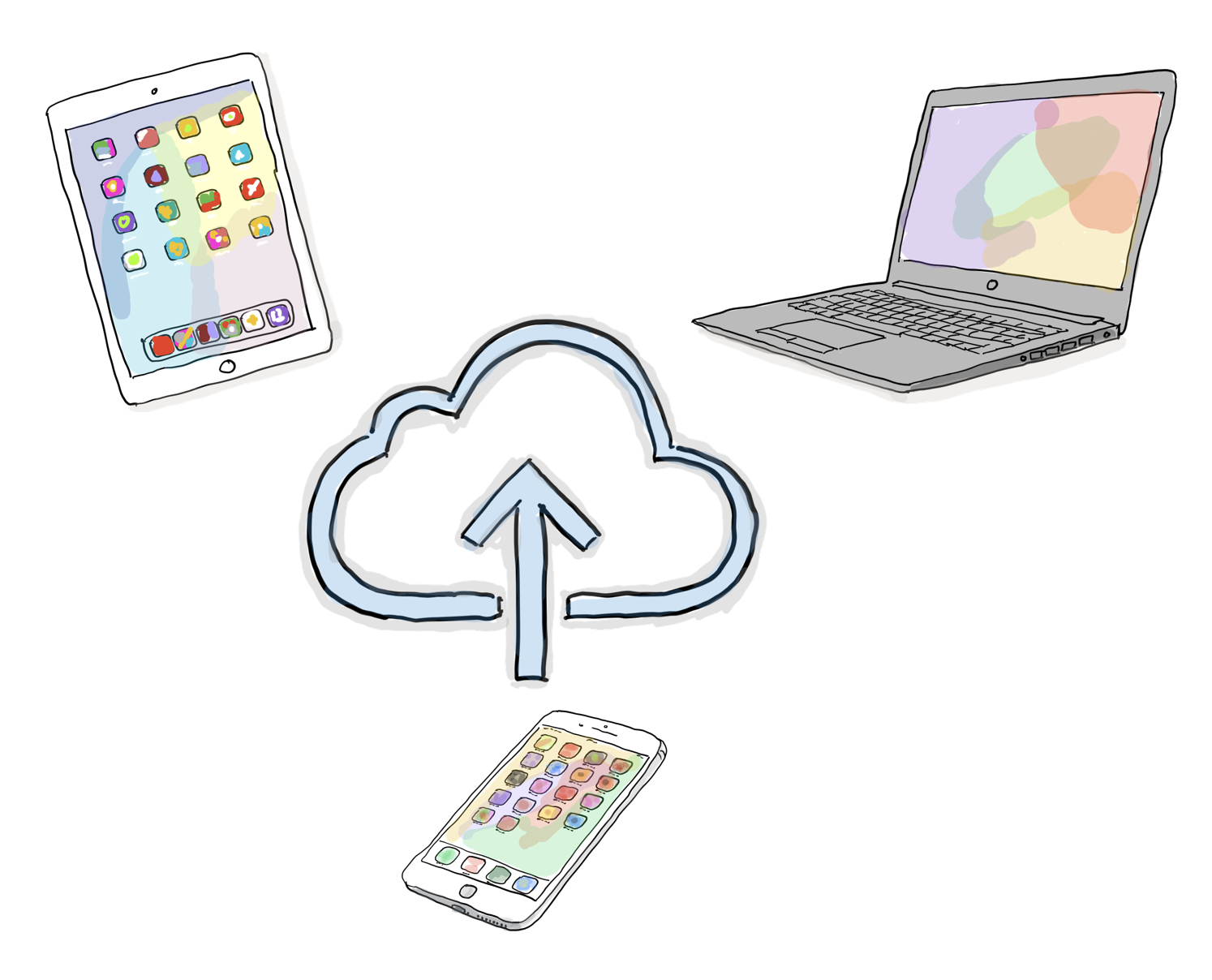
Depending on where you are travelling, consider taking “clean” devices and restoring only the data you need once you have been admitted to the country — for example, at your hotel or office — particularly if you are concerned about device scanning by border officials.
Qian Li Loke adds: Review any new or recently updated apps, especially their privacy policies. Travel apps may use your personal information for more than you are comfortable with. If your phone is taken away — for example at customs — check again afterwards to see what has changed.
#3 Spare phone #
Depending on where and for how long you are travelling, consider packing a spare phone and charger in case your normal phone is lost, stolen, or confiscated.

For your primary phone, remove all unnecessary apps and data before travel. Authorities in some countries may open the device, and without your knowledge, intrusive agents could be installed.
In some cases, consider carrying a basic burner phone — low spec, capable of dialling emergency services even without a SIM — as your spare.
Rainer Rehm adds: Have a travel notebook and dedicated phone for countries where you are unsure. Ensure you have a secure cloud solution available for important information, and consider using a duress code word with trusted contacts at home so they know when to give incorrect information if you are under duress.
#4 Device security #
Ensure all devices have auto-lock enabled after a short period of inactivity — two minutes is a reasonable default for phones — and that unlocking requires a six-digit PIN.
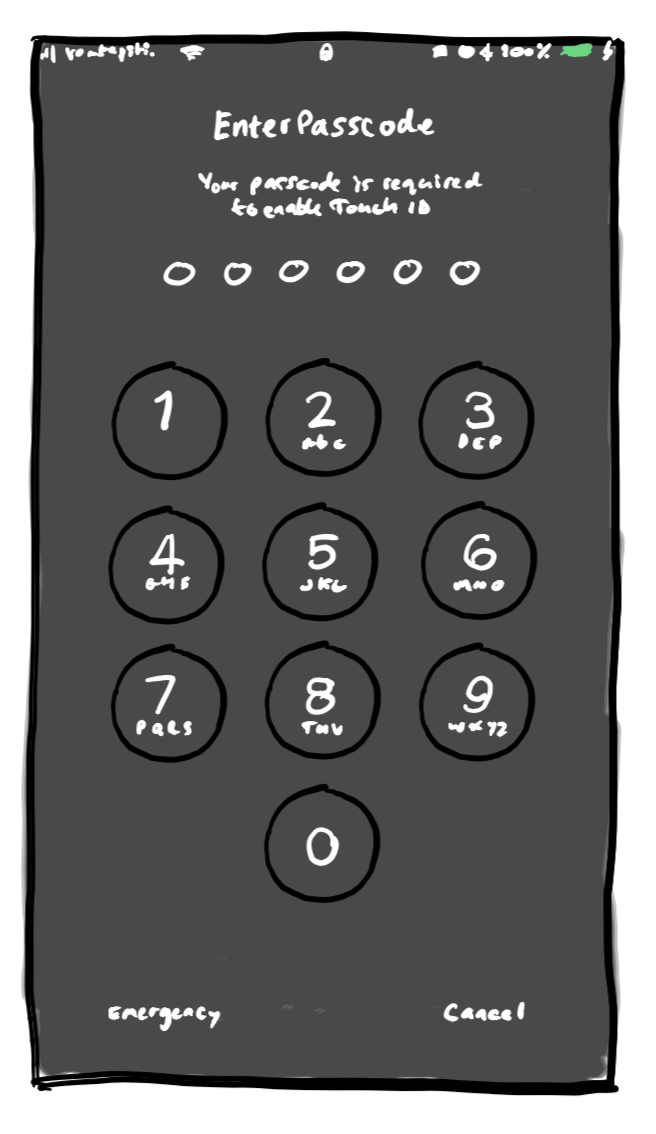
Enable encryption on all devices. Depending on your destination, power devices down completely before entering the country — not just sleep mode. You may also want to clear your browser history, cache, and any unlicensed content. What is legal in your home country may not be in the countries you are travelling to.
Ian Latuskie adds: Company laptops should always be encrypted and ideally should not carry data at all — use a loan device and access documents via VPN or Citrix. Avoid taking your personal expensive mobile, ever.
#5 Wad of currency #
Power failure, extreme weather, earthquakes, terror attacks, strikes, bankruptcies — any of these could leave you stranded and unable to use payment cards.
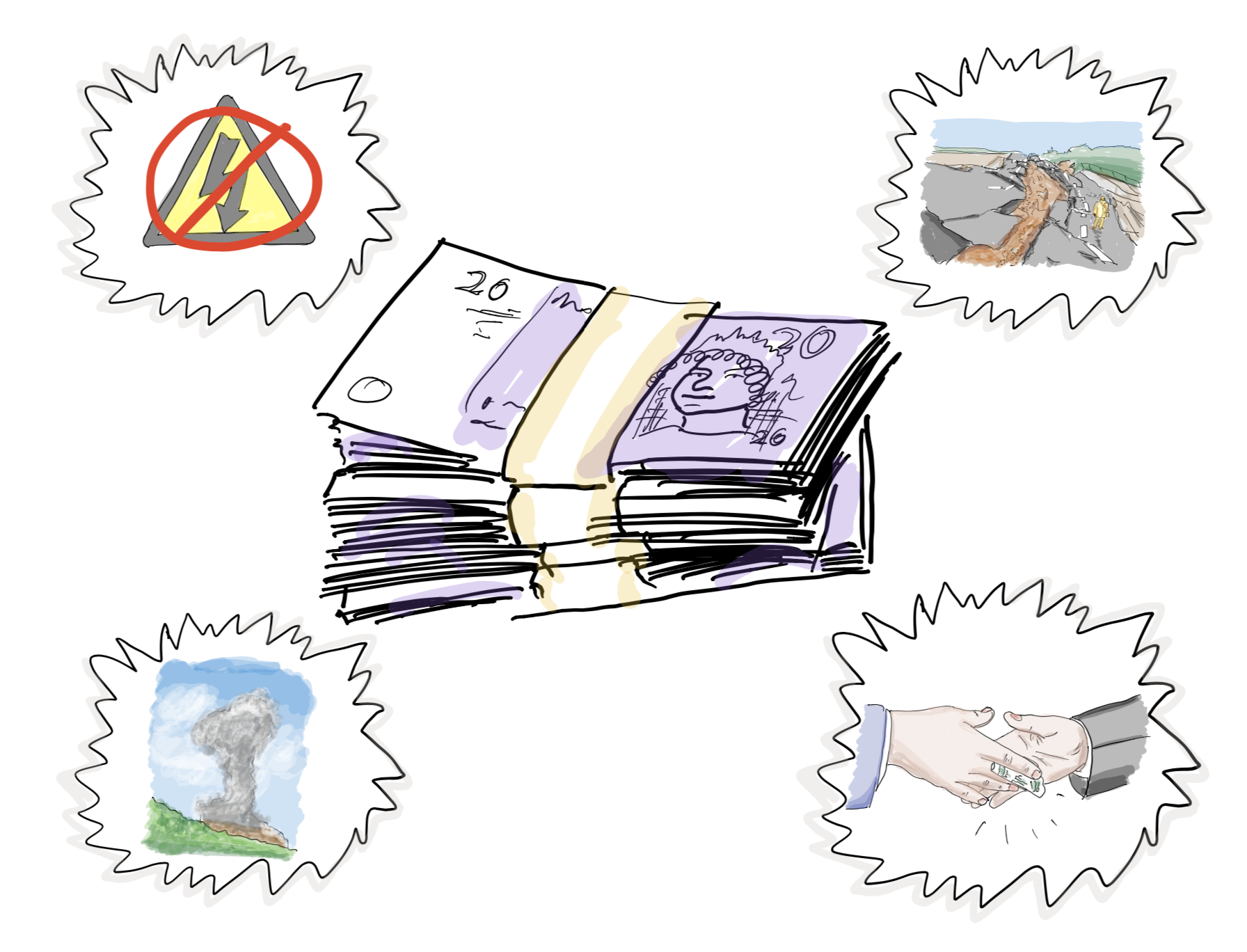
If you and your family are caught in an extreme situation, you may need to pay for shelter, food, water, transport, or — in some parts of the world — a facilitation payment. A reserve of cash in a widely accepted currency such as US Dollars or Euros can be a lifesaver.
Balance the amount you take against the duration of your trip, the destination, and any local regulations around carrying currency. Keep it safe and hidden. Hopefully you will never need it.
#6 Copies of your key travel documents #
Ever lost your passport? Been unable to retrieve a mobile boarding pass? Had difficulty finding a bank hotline after card theft?
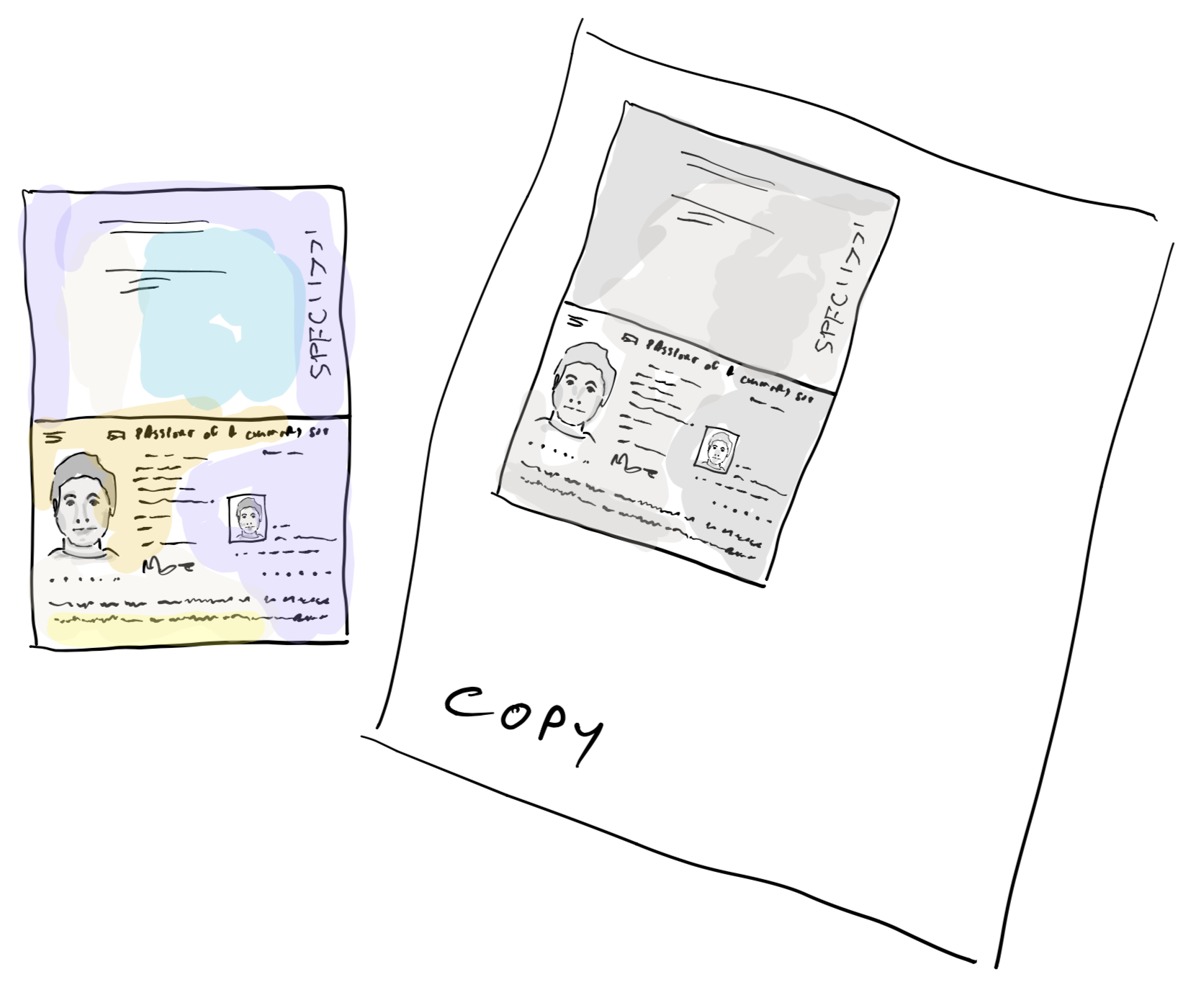
Keep paper and digital copies of key travel documents in case of theft, loss, or technology failure. Useful items to copy include: passport, travel insurance, boarding passes, and a printed list of emergency numbers — insurance hotline, credit card hotline, local embassy, local emergency services.
If travelling to high-risk countries, brief a trusted contact in advance on a covert phrase to use if you need to signal that you are calling under duress. Your government’s foreign ministry typically maintains risk assessments by country.
Save digital copies in a secure, accessible cloud storage solution. Store boarding passes as screenshots or in your phone’s Wallet app.
Ian Latuskie adds: Copies of travel documentation and ID should be available online and held by your employer and relatives. If you are carrying classified materials, have documentation fully checked — this can prevent unnecessary searches.
Benjamin Corll adds: Make sure to protect the copies themselves, and dispose of them securely when no longer needed.
#7 Driving licence #
Even if you do not plan to drive, take your driving licence. If flights are cancelled or a major incident occurs, you may need to hire or even buy a vehicle to complete your journey.
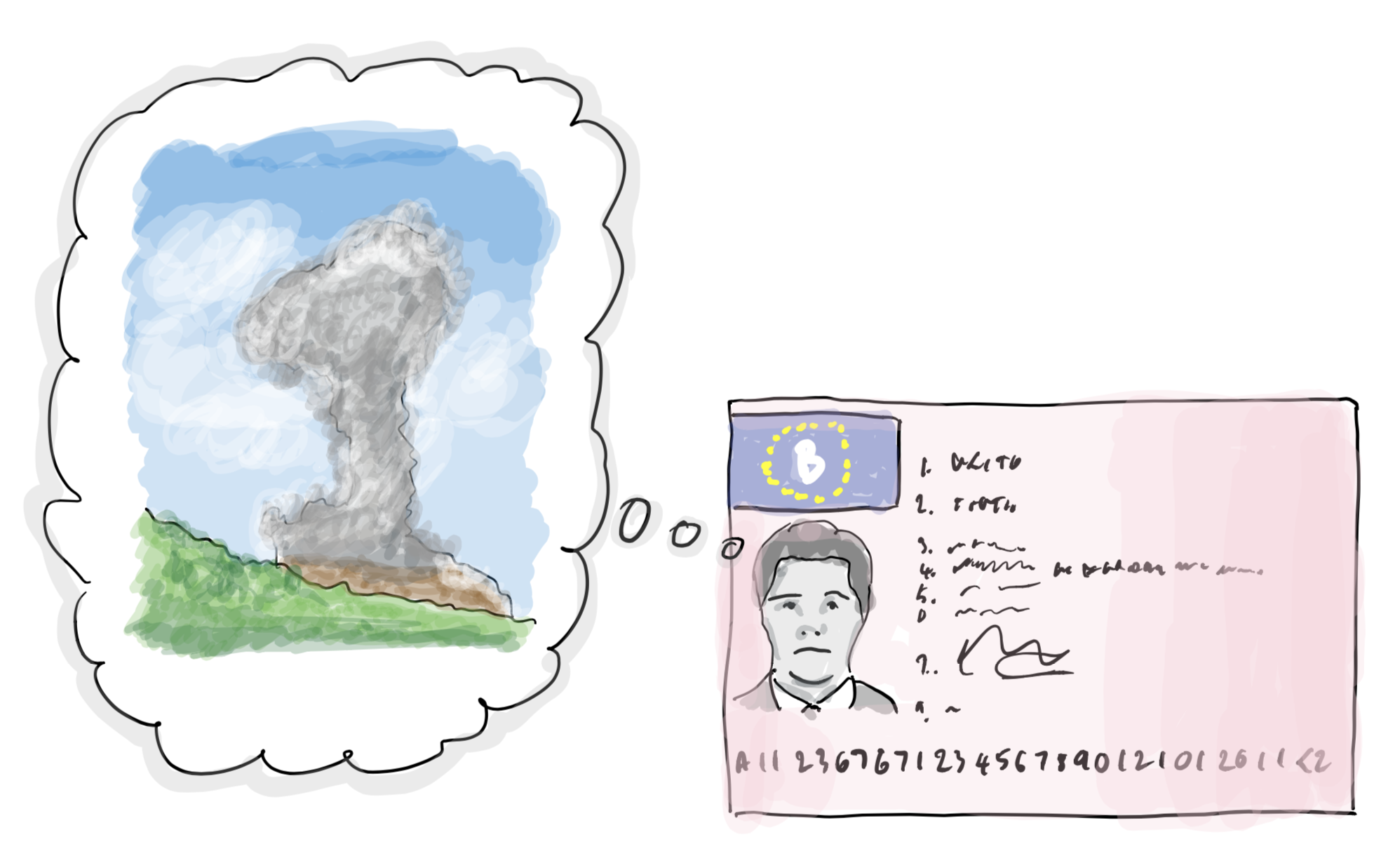
When the 2010 Icelandic volcanic eruption disrupted air travel across northern Europe for around a week, colleagues drove from Copenhagen to Leeds via Holland because they were stranded. Tips #5 and #7 are most relevant when you are stranded in a country with prolonged infrastructure failure — unless, of course, you are on an island.
In Transit #
#8 Notifications and updates — out of office and social media #
Every summer, offices fill with the sound of people enabling their Out of Office messages. Unwittingly, a poorly configured OoO can tell burglars your home is empty and give social engineers a map of who is covering for whom.
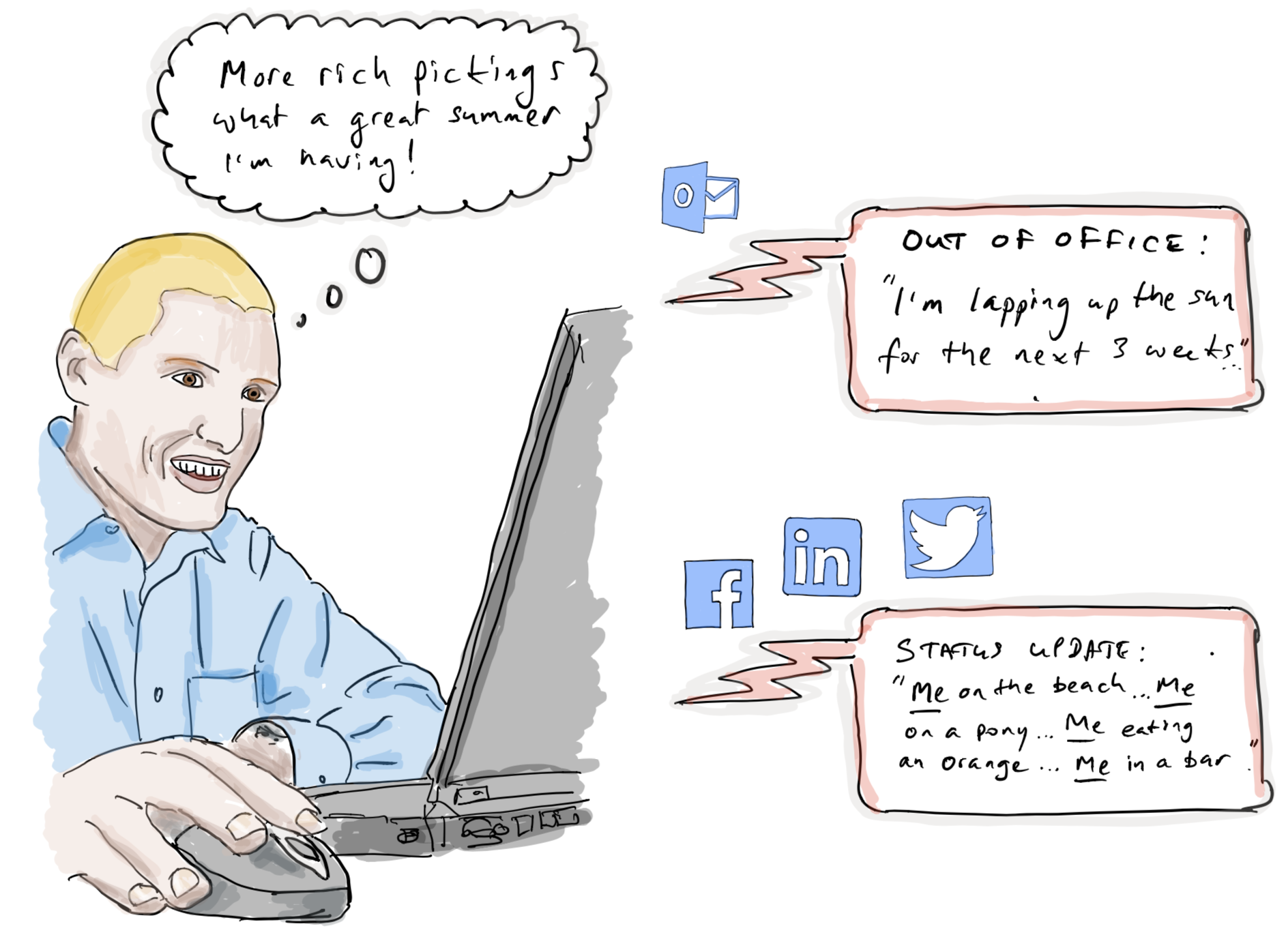
Most email clients allow separate internal and external OoO messages. Use this: disable external notifications where possible, or at a minimum avoid stating why you are away, where you are, and when you will be back.
The same applies to social media. Avoid posting the what, why, where, and when of your travel — especially if your home will be unoccupied. Even posting food photos can expose your location if you have not disabled location services for your social media apps.
Don Tibbits adds: External OoO replies to spam too. The reply tells spear-phishers when someone else is likely to be covering — and therefore more likely to approve that urgent payment request. If you are out of contact, ensure someone else in your organisation can monitor critical communications.
#9 Luggage tags — name tag #
Use a luggage tag with a cover, and include only your name and the mobile number you are travelling with. Do not write your home address.
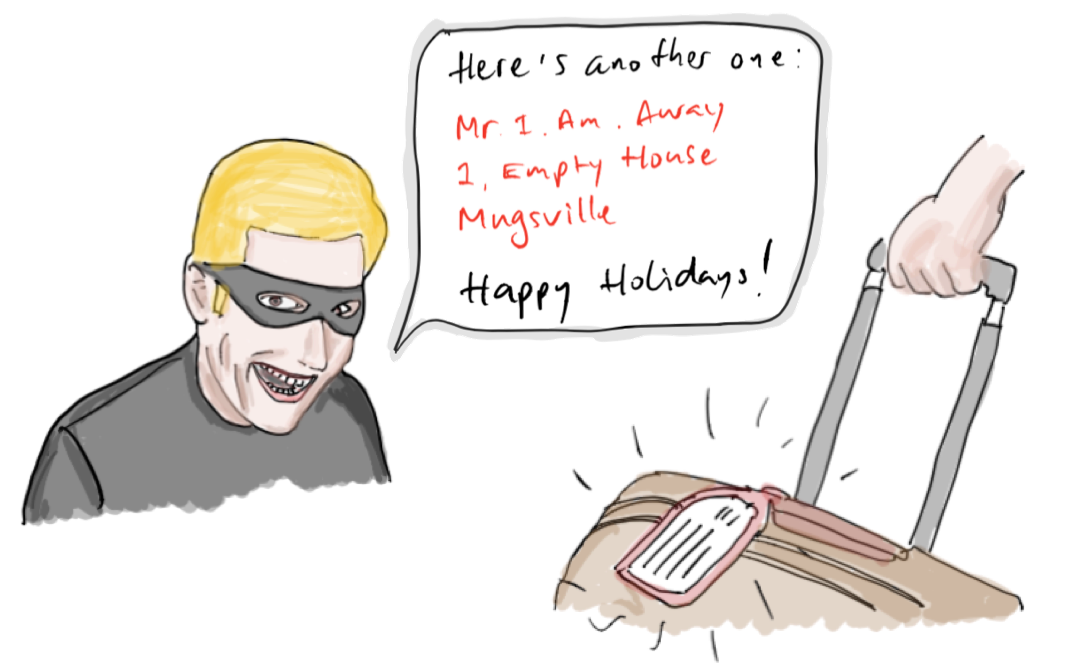
Your luggage passes through many hands and locations — trains, hotel lobbies, taxi queues, airport baggage systems. It takes seconds for someone to photograph an uncovered tag and share your home address with an accomplice. By omitting your home address, you reduce the risk of being burgled while away.
#10 Boarding pass #
Dispose of your boarding pass securely after your flight — do not simply drop it in an airport or hotel bin.
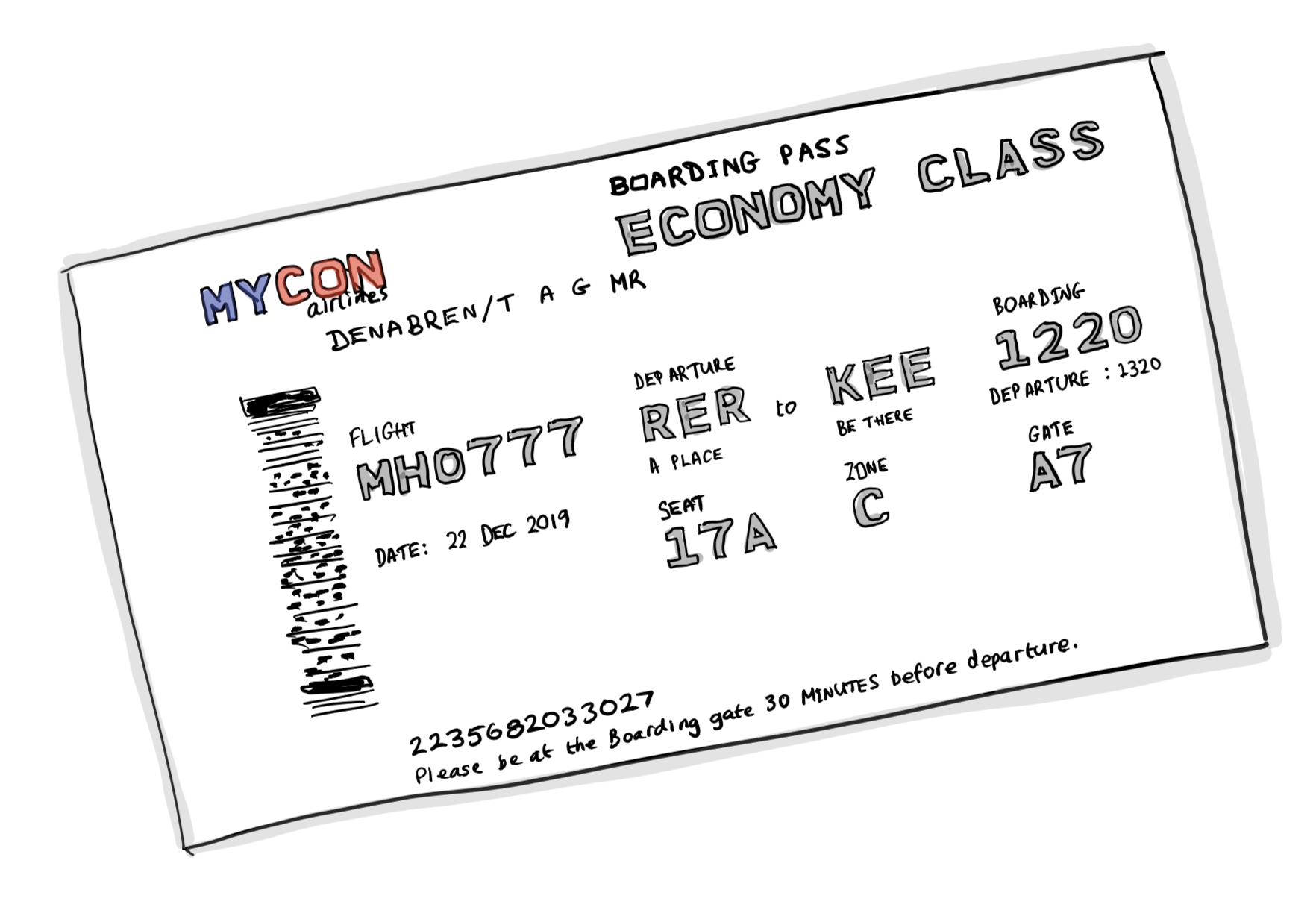
The barcode on a boarding pass contains a significant amount of personal information about you and your journey. Anyone with a free barcode-scanning app can read it, use it to log in to the airline website, access additional personal data, and even hijack your loyalty points. Keep the boarding pass covered while in use, then shred, tear into small pieces, or burn it.
#11 Luggage tags — barcode tag #
Once you have collected your luggage from baggage reclaim, remove and securely dispose of all barcode tags.
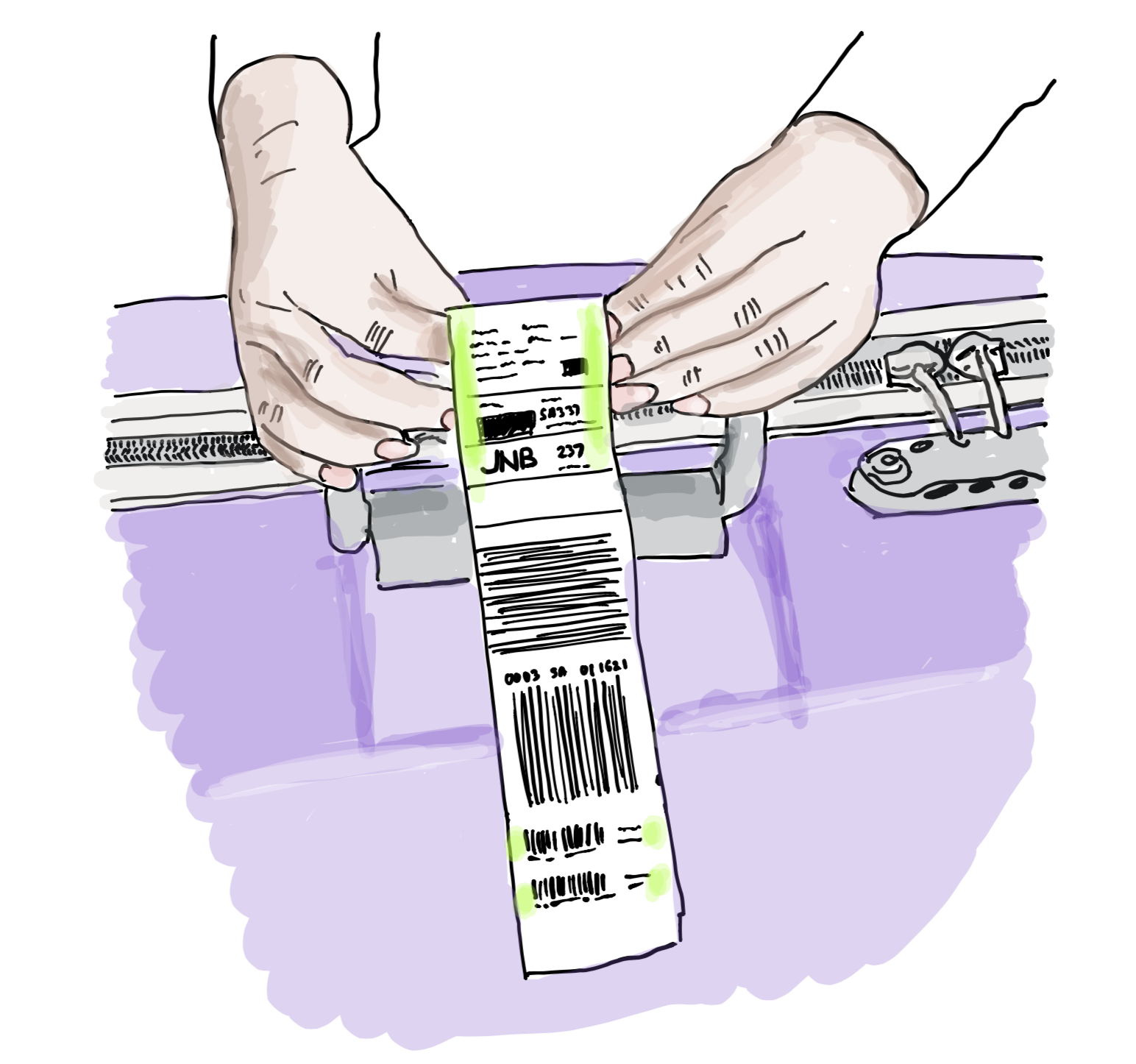
These tags are commonly left on luggage on trains from airports and in hotel lobbies. Like boarding pass barcodes (Tip #10), they contain more information than they appear to.
#12 Security check #
At airport security, place laptops and tablets in a separate tray as required. But be strategic about timing.
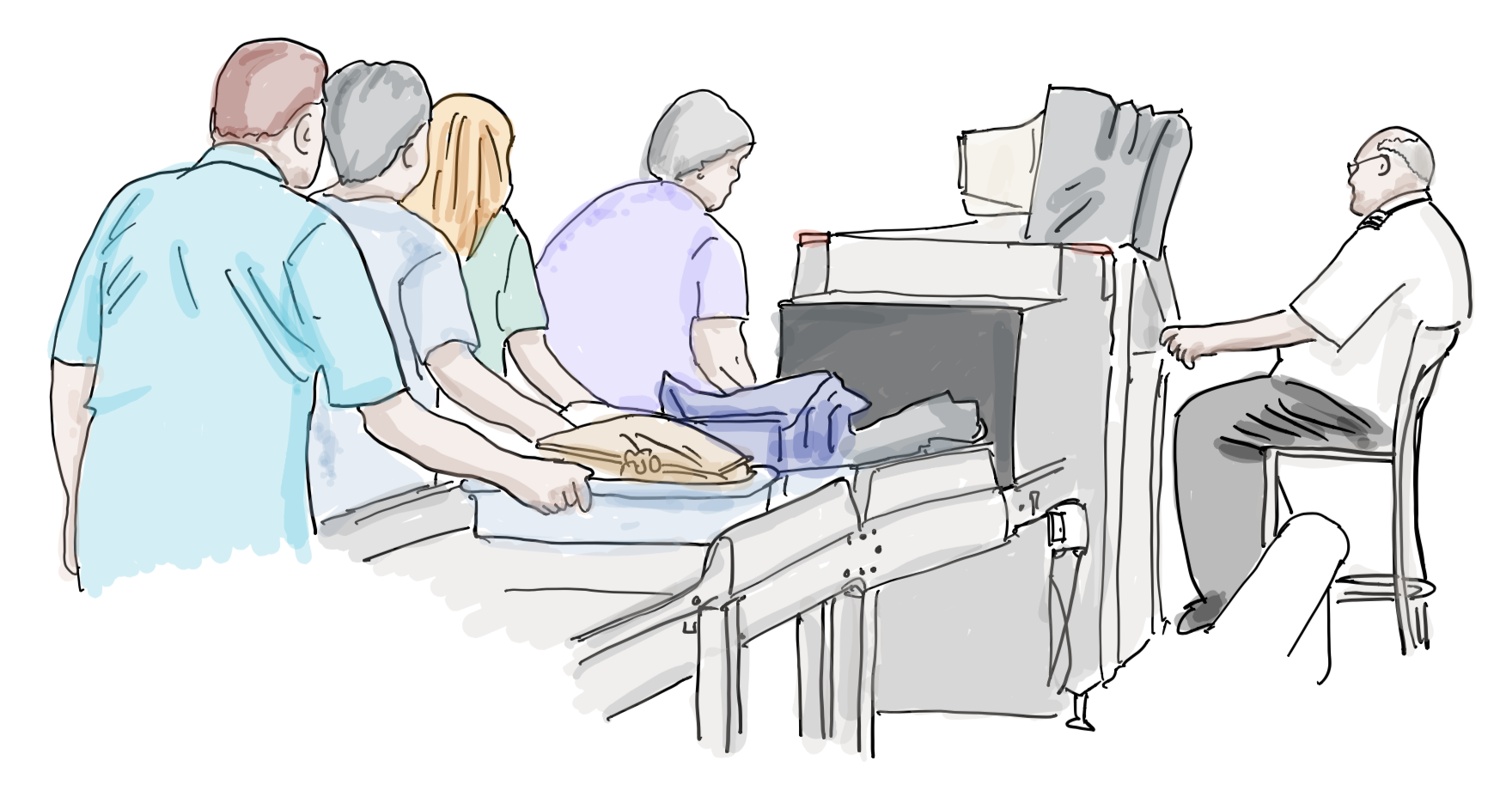
If you are called aside for a personal scan or hand search while your trays have already passed through the X-ray machine, your devices are sitting unattended and vulnerable. Place laptops and valuables in the last tray, or hold on to them until the last moment before the physical scanner. Keep your eyes on them at all times.
#13 Company-branded laptop bags #
While you may be proud of the companies you work for, a branded bag can make you a target — depending on the company, its nationality, or the country you are travelling through.
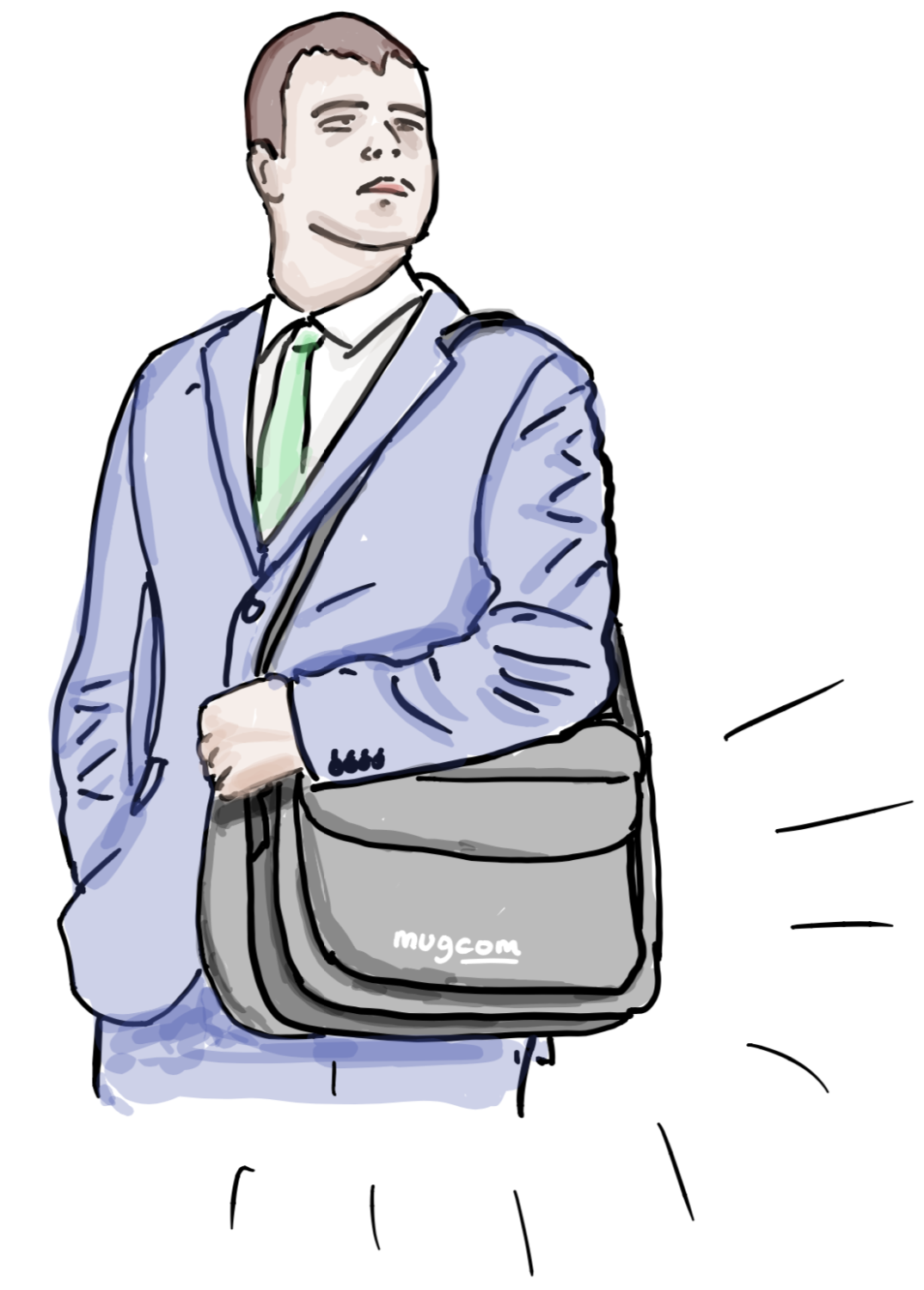
Travel with a plain bag, preferably one that does not look like a laptop bag.
Tim Burnett adds: Branded bags are often handed out at trade shows and conferences. Carrying them means you become a target wherever those brands are sensitive.
#14 WiFi and Bluetooth #
Disable Bluetooth and WiFi on your devices when you do not need them.
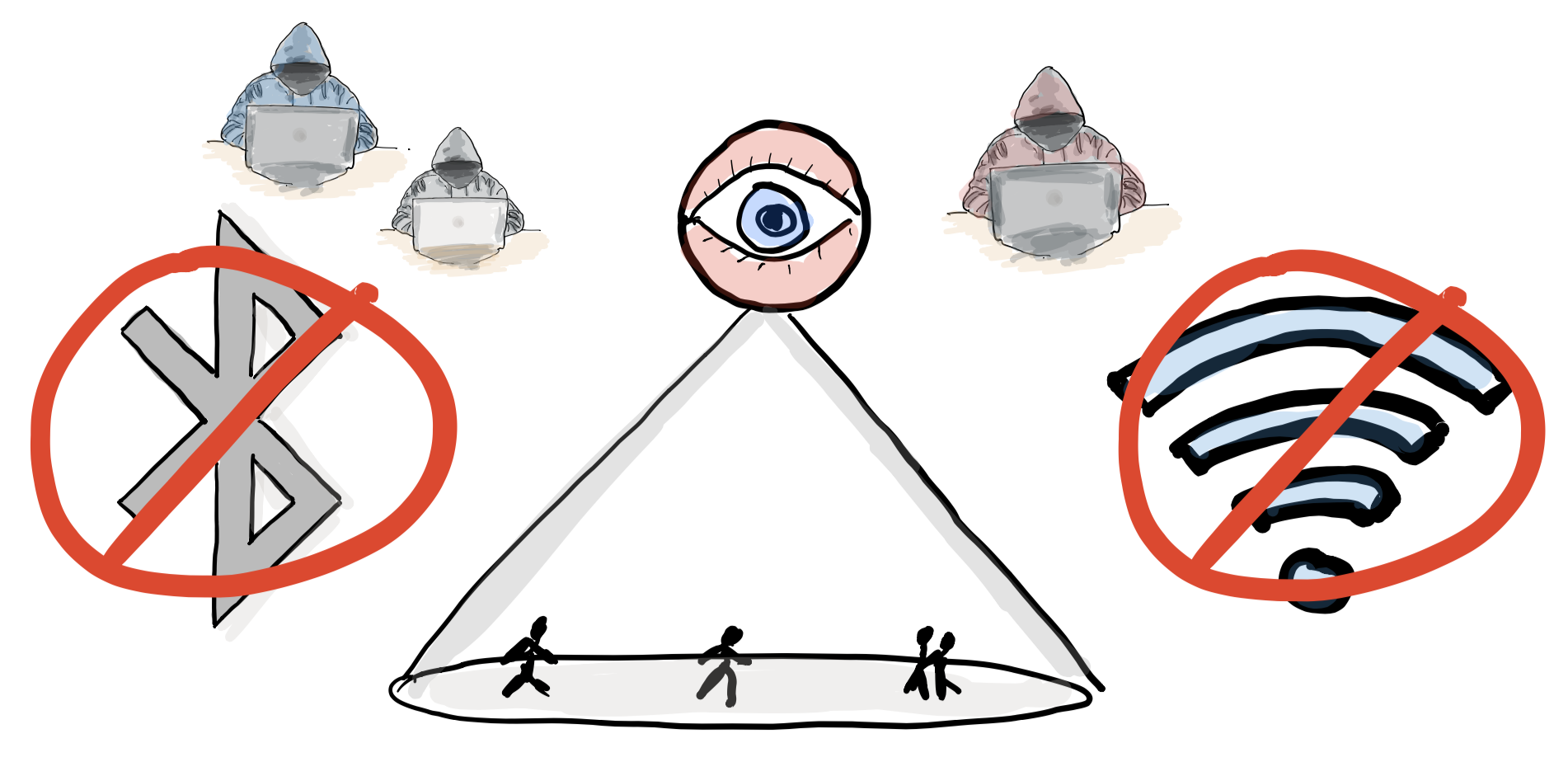
Active Bluetooth can expose your device to attackers scanning the vicinity for vulnerable targets. Active WiFi — even when you are not connected — broadcasts your device’s unique MAC address, which can be used to track your movements in shopping malls and stores. Once you can be linked to that MAC address (for example, by installing a store app or providing an email address), that tracking becomes personal.
As a bonus: disabling both will significantly extend your device’s battery life.
Joanna Kennedy adds: If you plan to use a free WiFi service, verify the network name with a member of staff before connecting. It is trivially easy for a malicious actor to create a hotspot with a convincing name.
#15 USB charging ports #
Avoid public USB charging ports in airports and hotels. Use your own power charger and adapter, or carry a portable battery pack.
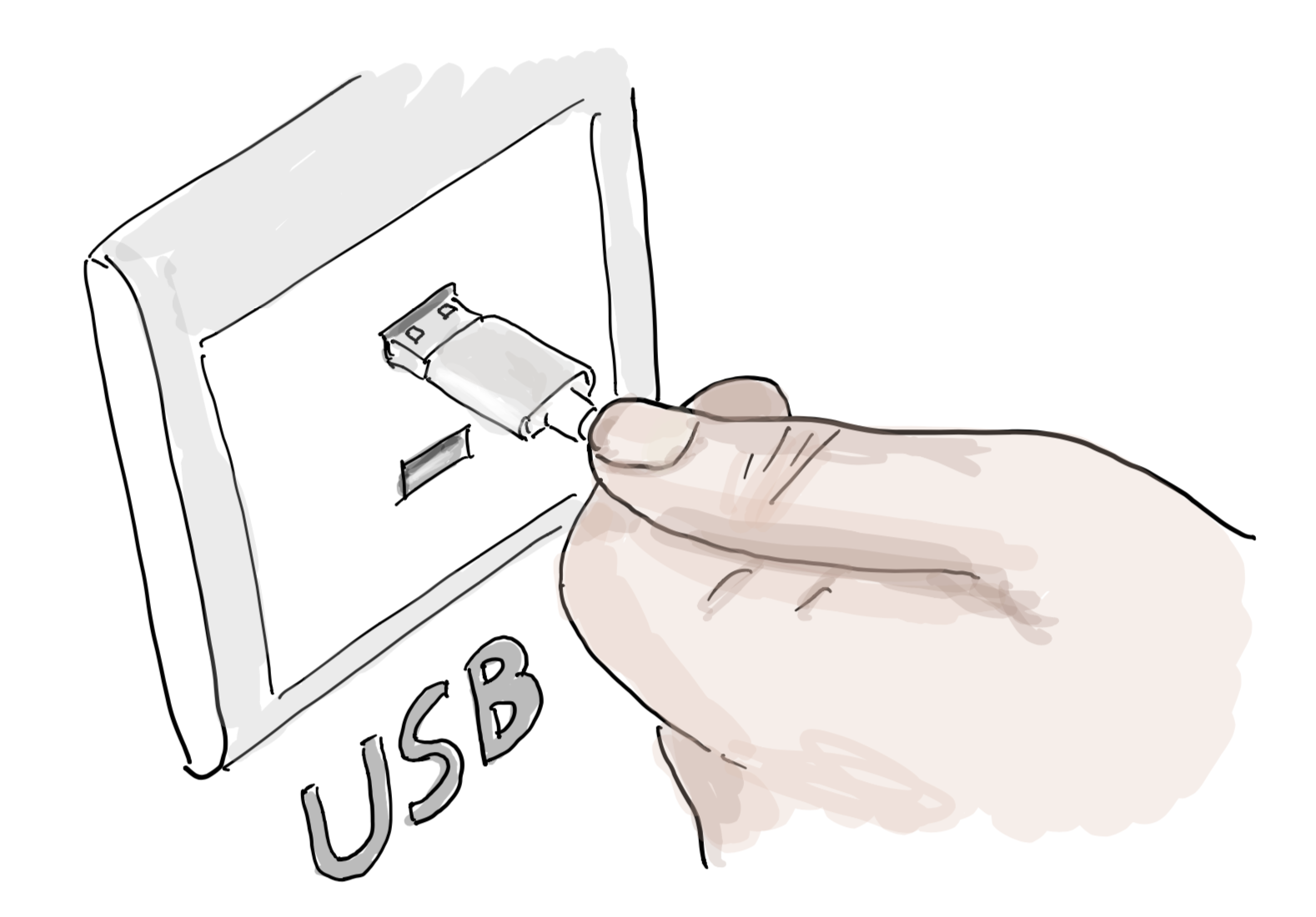
A modified USB socket can install malware on devices that are plugged in — a technique sometimes called “juice jacking.” Consider carrying a wind-up or solar USB charger for genuine emergencies.
At Your Destination #
#16 VPN #
Install a VPN (Virtual Private Network) client on all devices and use it everywhere outside trusted environments — even if a network appears secure.
A VPN encrypts your internet traffic, making it significantly harder for attackers to intercept. As a secondary benefit, if your VPN supports country-specific servers, you can access home TV services while abroad.
#17 Privacy filters on all devices #
Most people would not want a stranger reading over their shoulder. Privacy screen filters — thin films that limit the viewing angle of your screen — address exactly this.
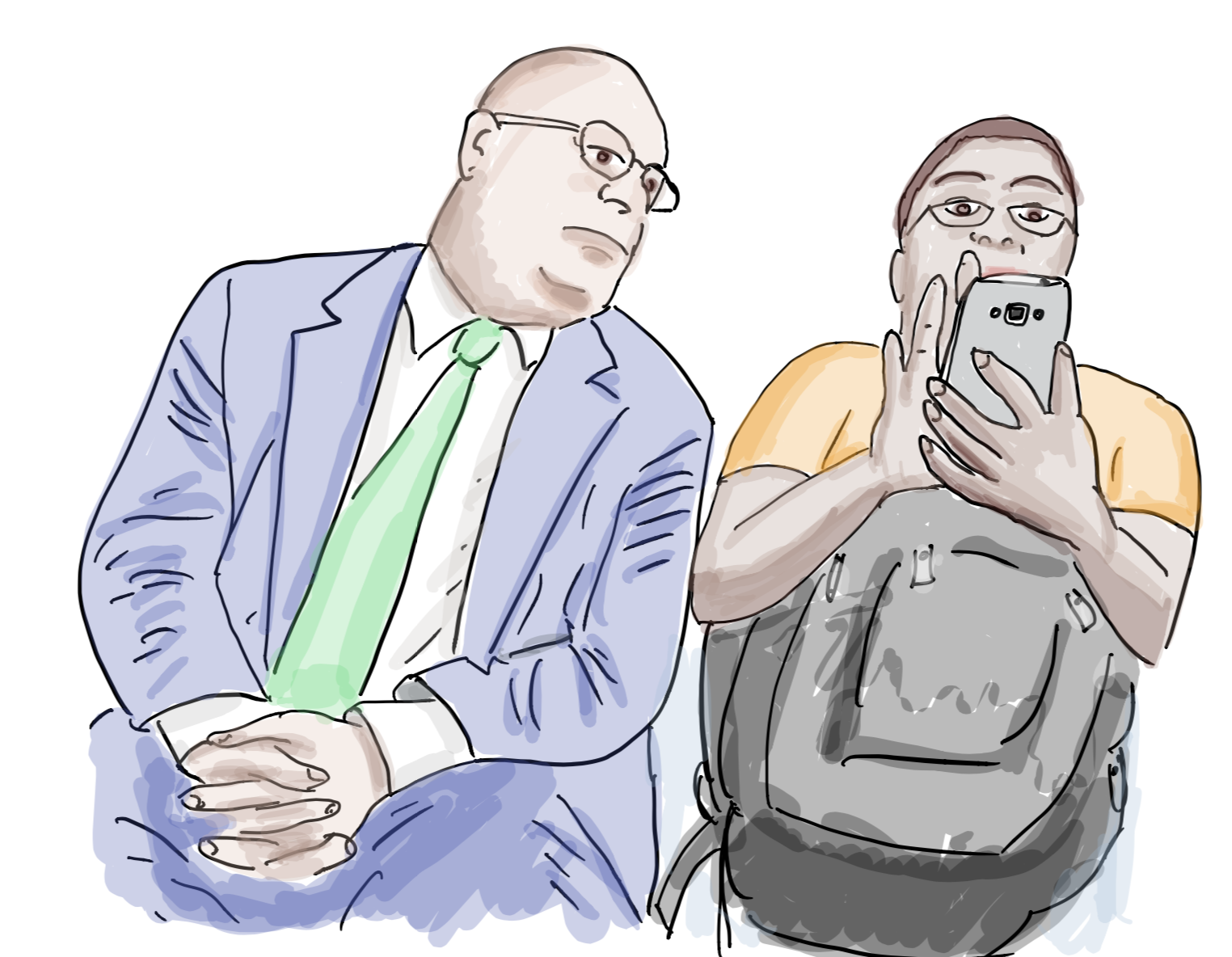
Many people already use these on laptops. It is worth investing in filters for tablets and phones too, especially when travelling.
#18 Reputable transport companies #
Research your airport transfer options before you travel. Ask local colleagues for recommendations, or check online reviews. Always join the official queue.
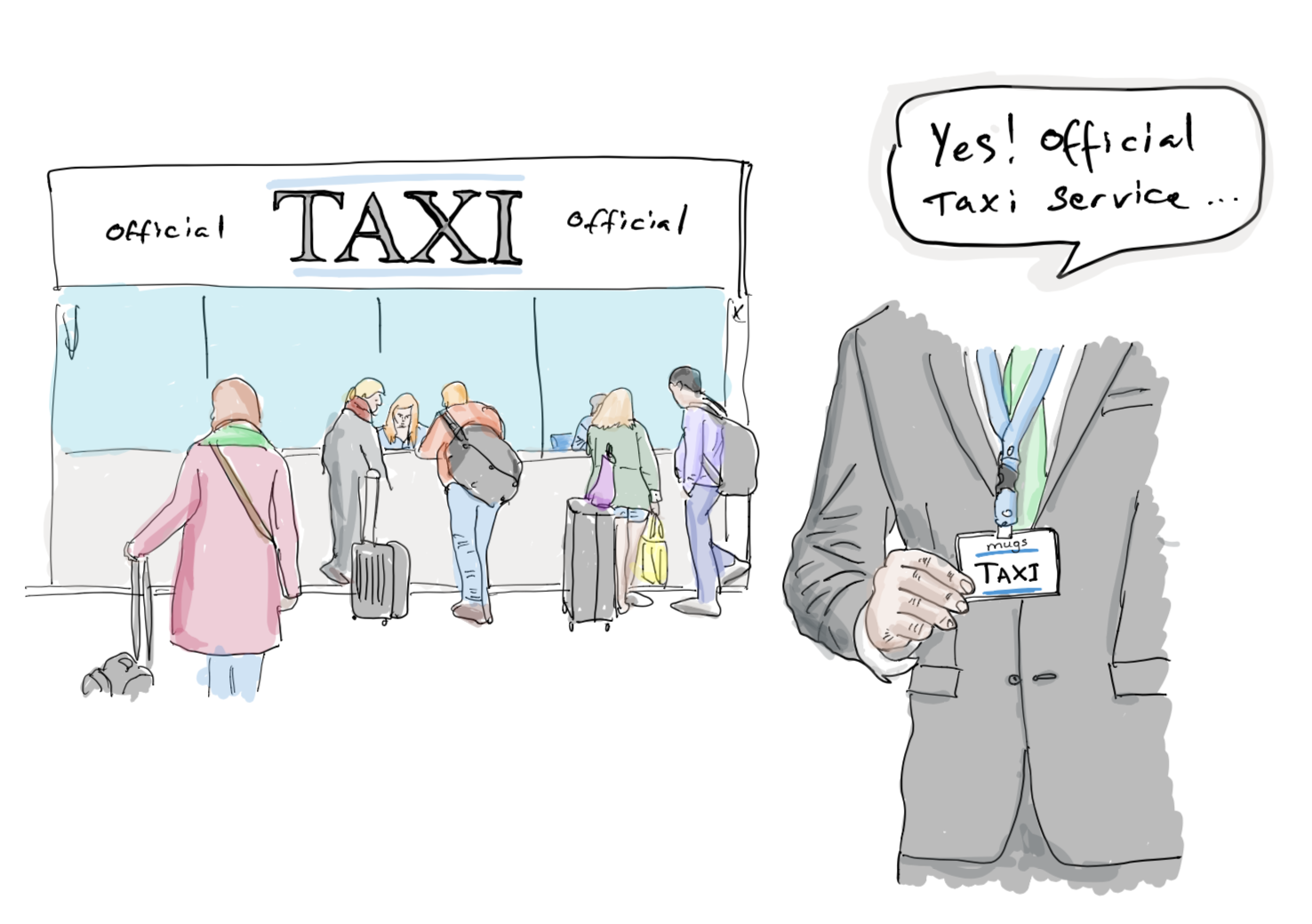
In St Petersburg some years ago, I was intercepted just metres from an official taxi queue by someone wearing a lanyard from the same company. Several hundred Euros later, the lesson was clear: always join the queue, and never follow someone who approaches you unsolicited.
Anette Svendsen adds: Limit the information you share with taxi drivers, particularly on the way to the airport. People are often more forthcoming than they realise when asked in a friendly context.
#19 Car hire #
When you connect your phone to a hire car via Bluetooth — rather than CarPlay or Android Auto, which are projection systems and do not transfer personal data — your phonebook and potentially your call logs are stored in the vehicle’s system.
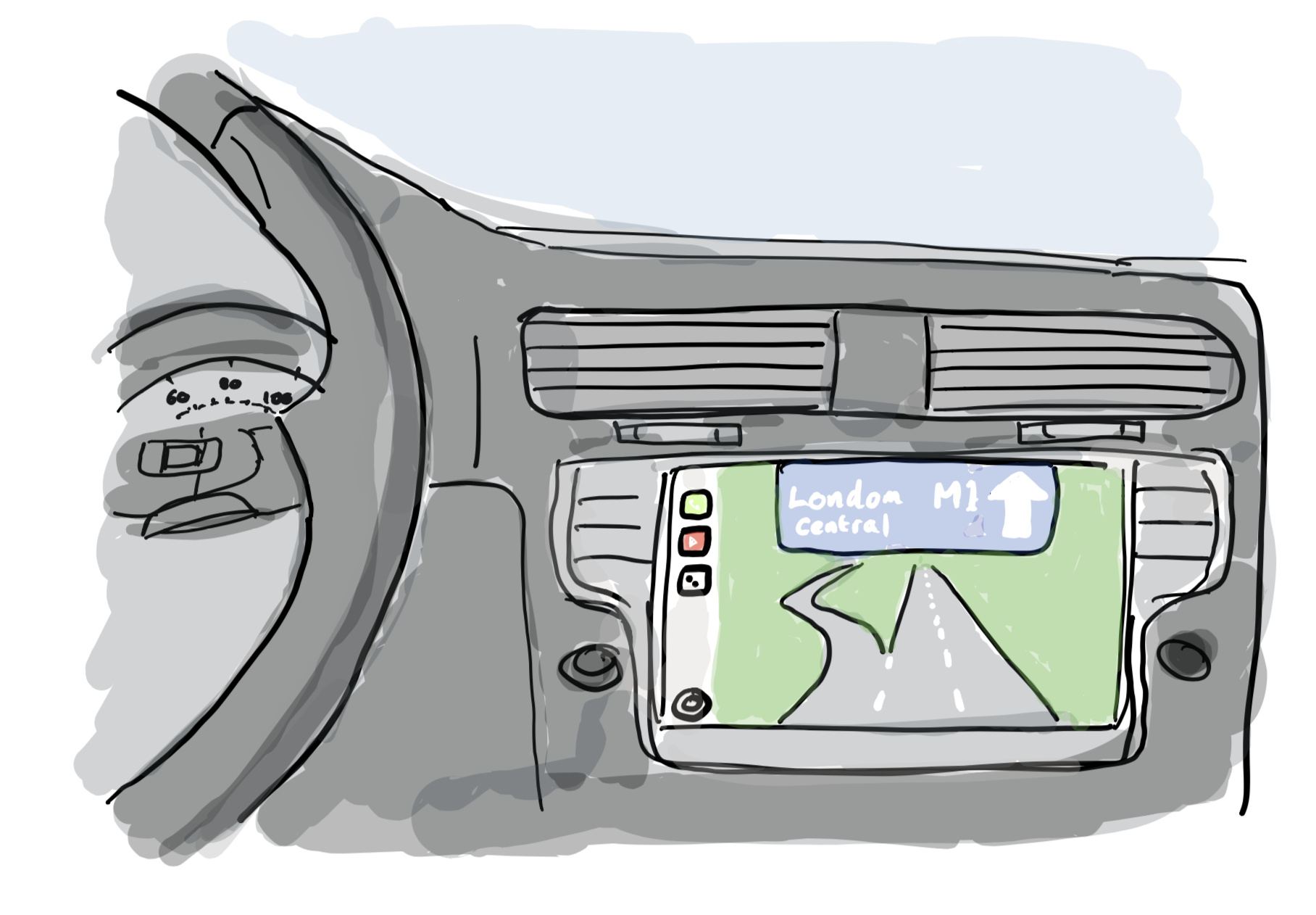
The car’s built-in sat nav may also contain location and address data from previous renters. Before returning the vehicle, erase all personal data from the car’s systems — including any paperwork containing your name, address, or rental details.
Louis Owens adds: A striking illustration of this risk: after leaving a company car behind when changing employer in 2017, Louis discovered over a year later that the “Mercedes me” app still allowed him to locate the car in real time, track its movement, and unlock it remotely — from anywhere in the world.
#20 Hotel lobby computers #
If you use a computer in a hotel lobby, take precautions before and after.
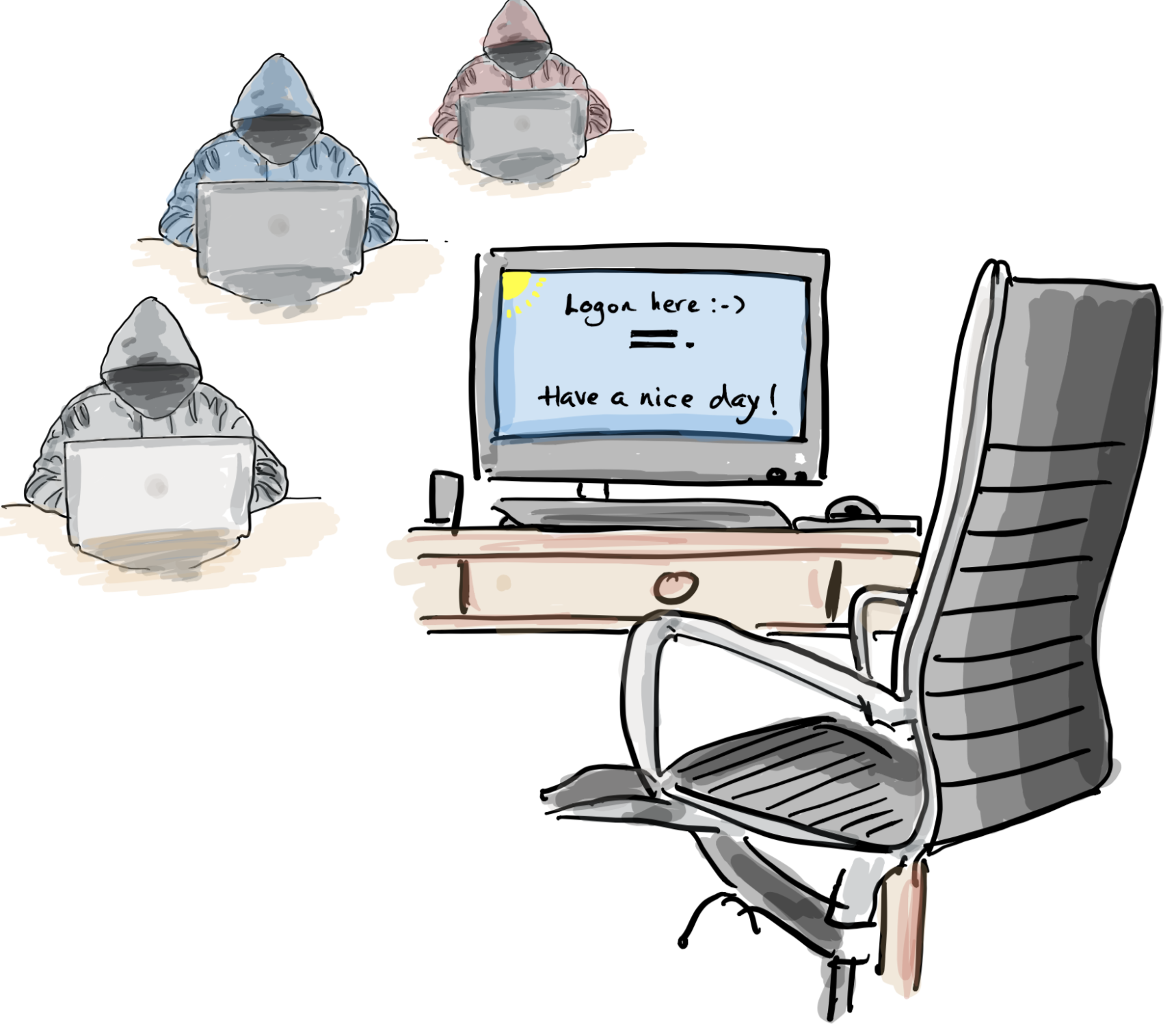
- Clear the cache, cookies, and browser history after each session
- Delete any downloaded files containing personal data, including boarding passes
- Do not plug personal devices into the lobby PC
- Be aware of surveillance cameras positioned near the terminal
- Think carefully before forwarding your boarding pass to hotel reception for printing (see Tip #10)
Moyn Uddin adds: Be aware of cross-border personal data transfer implications, and in-hotel security risks such as man-in-the-middle attacks.
#21 Hotel TV #
Your hotel room may feel like a private space, but you are not always alone. Some hotels use voice-activated devices — such as Amazon Alexa or similar — to provide in-room services. These are always listening.
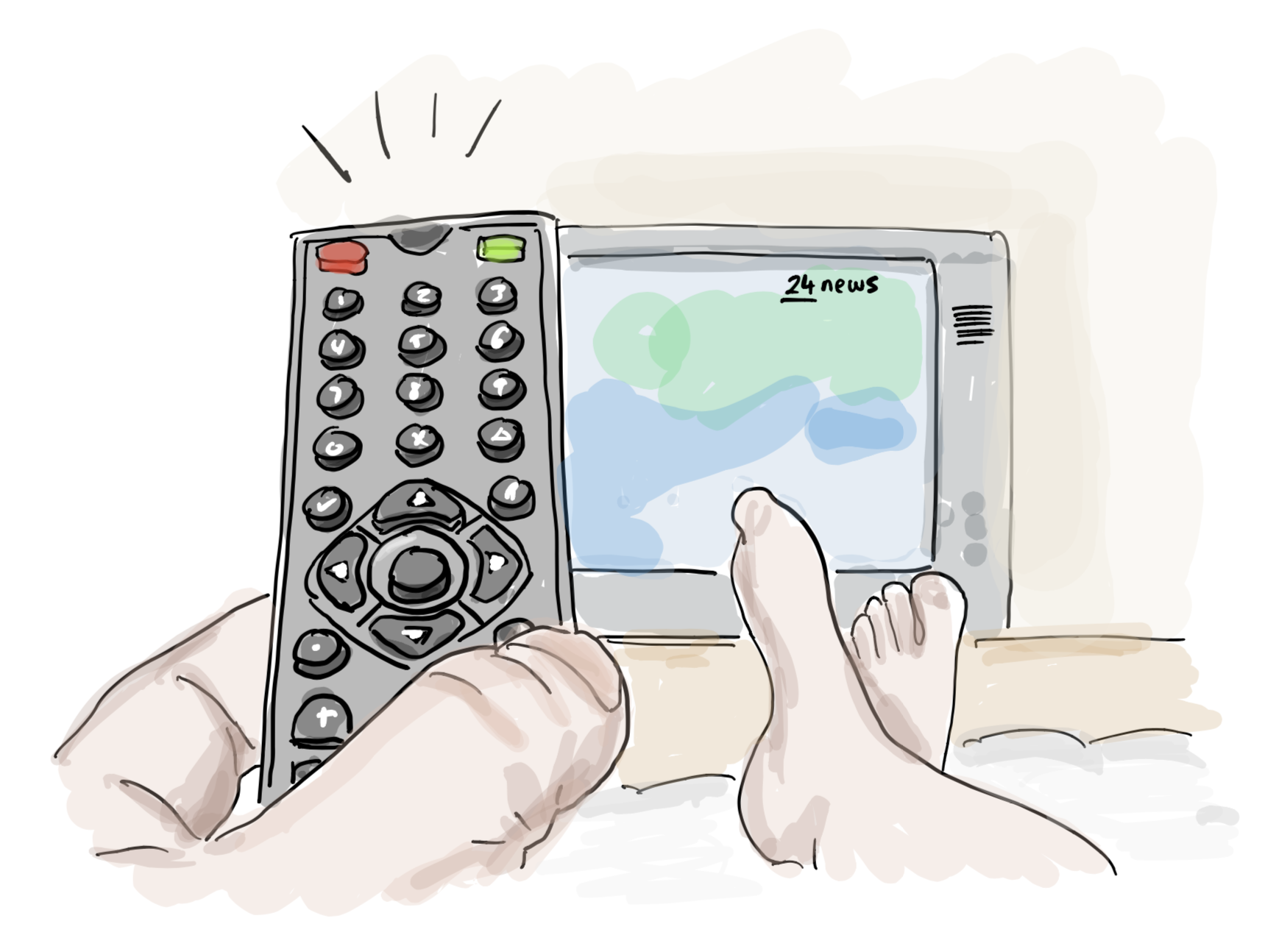
Consider unplugging such devices and placing them in the wardrobe. When you check out, treat the TV the same way you treat the room: do a final sweep and erase all profile information, viewing history, and any streaming accounts you have logged into.
Veronica Rose adds: Use a camera detector to sweep your room for hidden cameras before settling in. Hidden cameras have been found concealed in objects that look like everyday gadgets.
#22 Payment cards #
Never let your payment card out of your sight in shops or restaurants. The same applies to any personal documents.
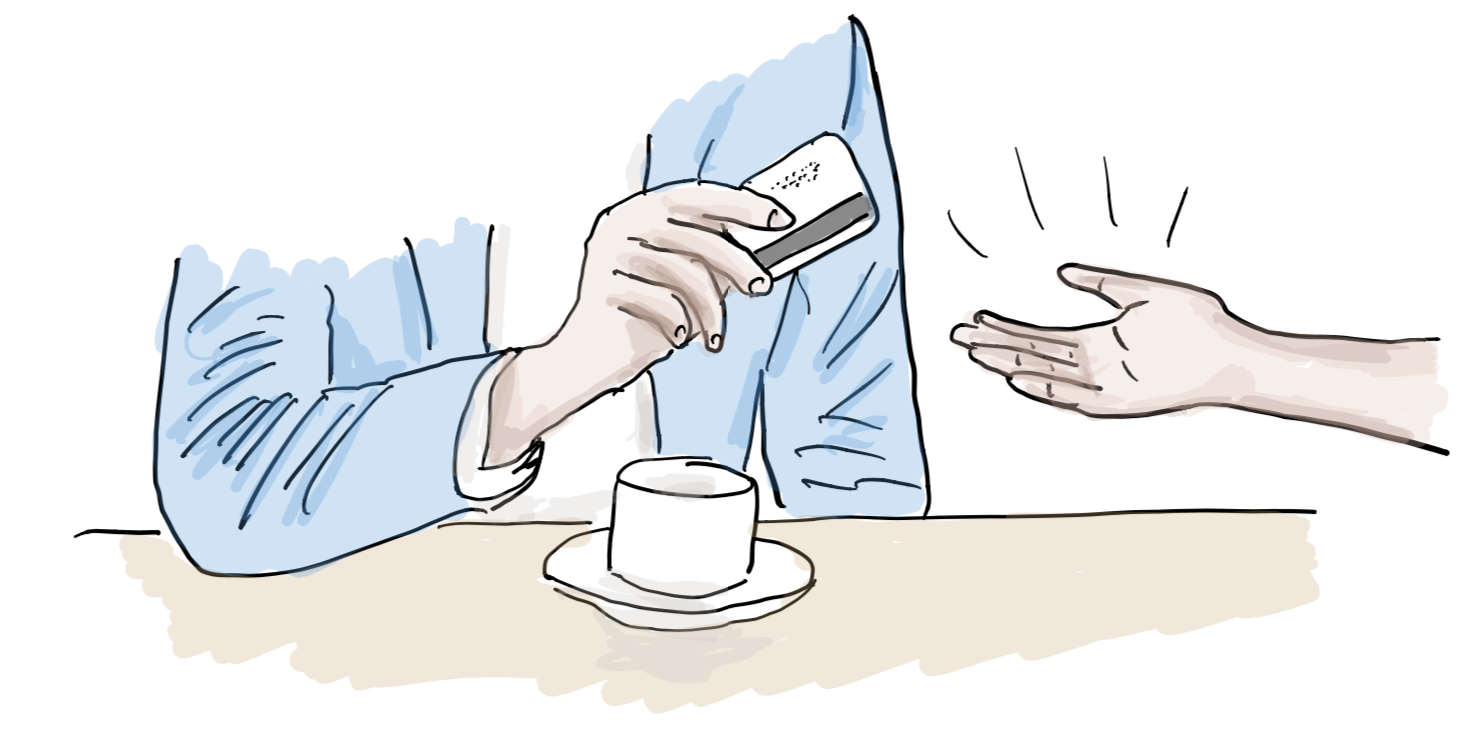
Inform your bank before you travel. Banks sometimes block cards without warning if overseas transactions appear suspicious — and a large car hire deposit is a common trigger.
#23 Use your credit card at the airport #
To help avoid your card being blocked abroad for suspicious activity, make a small purchase at the airport before your outbound flight — even just a coffee or a piece of fruit.

This creates a domestic airport transaction on your account that signals your intention to travel. Inform your bank in advance where possible.
#24 Use an emergency hotline service #
Depending on your destination, duration, and purpose of travel, consider subscribing to a global emergency assistance service.

These services can arrange local assistance or evacuation in the event of accidents, natural disasters, terror attacks, or pandemics.
Don Tibbits adds: Register your cards and ID documents with a security hotline service such as Secure Sentinel. With a single call, banks are notified, cards cancelled, and replacements ordered. Some services also provide luggage tags that use their number in place of your own.
#25 ID cards and lanyards in public places #
“Careless talk costs lives” was a wartime slogan. The principle is just as relevant today — the context is just different.
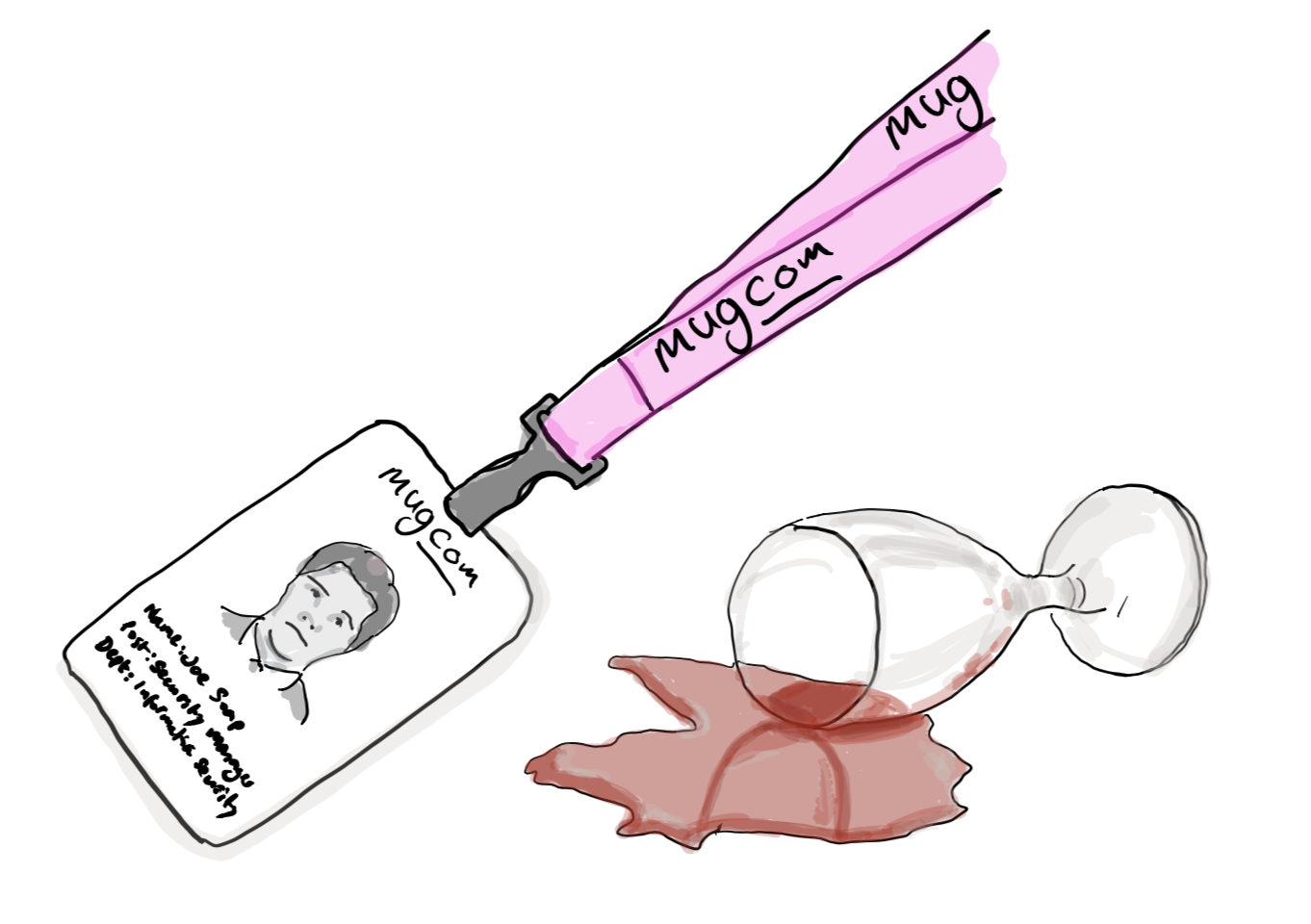
After-work drinks on a Friday. A pub full of colleagues, some still wearing their work ID badges, talking openly about clients, bosses, and suppliers by name. This is unlawful disclosure — and it is far more common than most organisations acknowledge.
Remove your ID badge as soon as you leave your office or workplace. Company ID cards and branded keycards carry information — names, logos, access levels — that is valuable intelligence for a malicious actor.
Roy Smith adds: At tradeshows, always tell your team to remove their badges as soon as they leave the exhibit floor. Those badges effectively say “Mug me” to anyone with bad intentions.
Frequently Asked Questions #
What is the biggest data protection risk when travelling? There is no single biggest risk — the threat surface is wide. Device theft, insecure WiFi, boarding pass barcodes, hotel systems, and car hire Bluetooth connections all present distinct risks. A layered approach — covering device security, physical document hygiene, and network behaviour — is more effective than focusing on any one area.
Are these tips relevant for personal holidays or just business travel? Both. Travel policies typically focus on business travel, but the same risks apply on holiday. Out-of-office messages and social media posts can signal an empty home; luggage tags can expose your address; hotel TVs and lobby computers retain your data regardless of whether you are travelling for work or leisure. These tips are worth sharing as part of any Data Protection Awareness programme.
How do I include data protection travel guidance in an employee awareness programme? A visual format — such as an infographic — works well because it is easy to share, does not require employees to read dense policy text, and translates naturally into posters, intranet posts, or pre-travel briefing packs. The tips in this post were originally developed as an infographic for a client’s Travel Security Policy and expanded from there.
If you found this useful, the Purpose and Means newsletter covers GDPR, data governance, and privacy strategy — fortnightly, in plain language.
Purpose and Means works with organisations on data protection strategy, governance, and compliance - going beyond the legal text to focus on how things actually get done. If you’d like to discuss what this means for your organisation, book a call or explore our services.